
How to Check Cape Coral Utility Assessments on a Lot
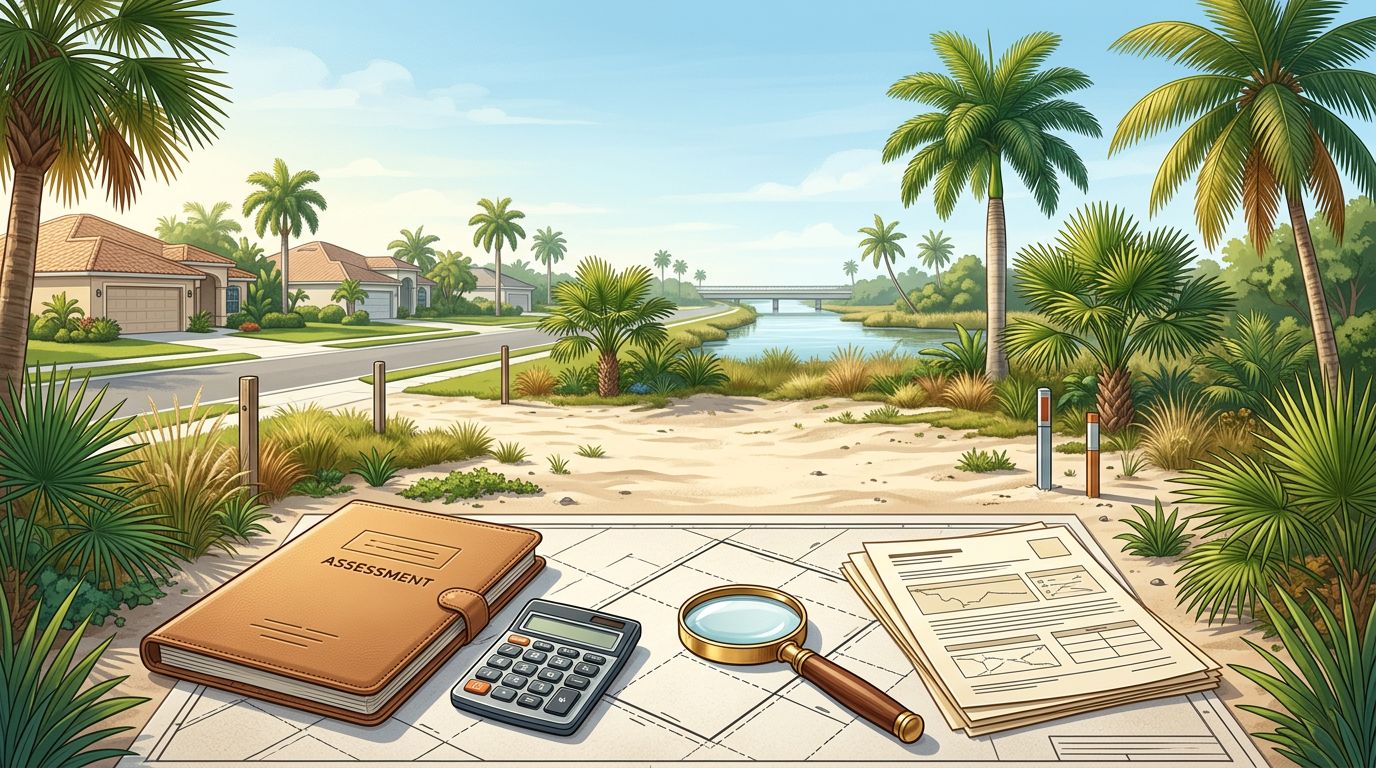
An inexpensive Cape Coral lot can carry a major balance that doesn't appear in the listing price. Before you buy, check Cape Coral utility assessments and confirm whether the amount is paid, financed, or still due.
These charges often relate to city utility extension work, but they aren't the same as every fee required to connect a new home. Online records provide a useful starting point, while the City of Cape Coral and your closing professional can confirm the current payoff and installment status.
What Cape Coral Utility Assessments Mean
Cape Coral utility assessments are special assessments connected to the City's Utility Extension Project, often called the UEP. When city water and sewer utilities are extended into an area, the City can place an assessment on affected vacant and improved properties.
The assessment attaches to the property, not only to the current owner. As a result, a vacant lot can have an outstanding balance even if no home has been built and no utility connection has been completed.
The amount may appear as a total balance, an annual installment, or a payoff figure. Those numbers aren't always identical. Interest, billing dates, payment history, and the date of a requested payoff can affect the amount shown.
A lot can have city water and sewer available nearby while still carrying an unpaid utility assessment. Availability and payment status are separate questions.
The City's records may also show other charges, such as utility balances or open code case fees. Don't assume every amount in a property search is part of the UEP assessment.
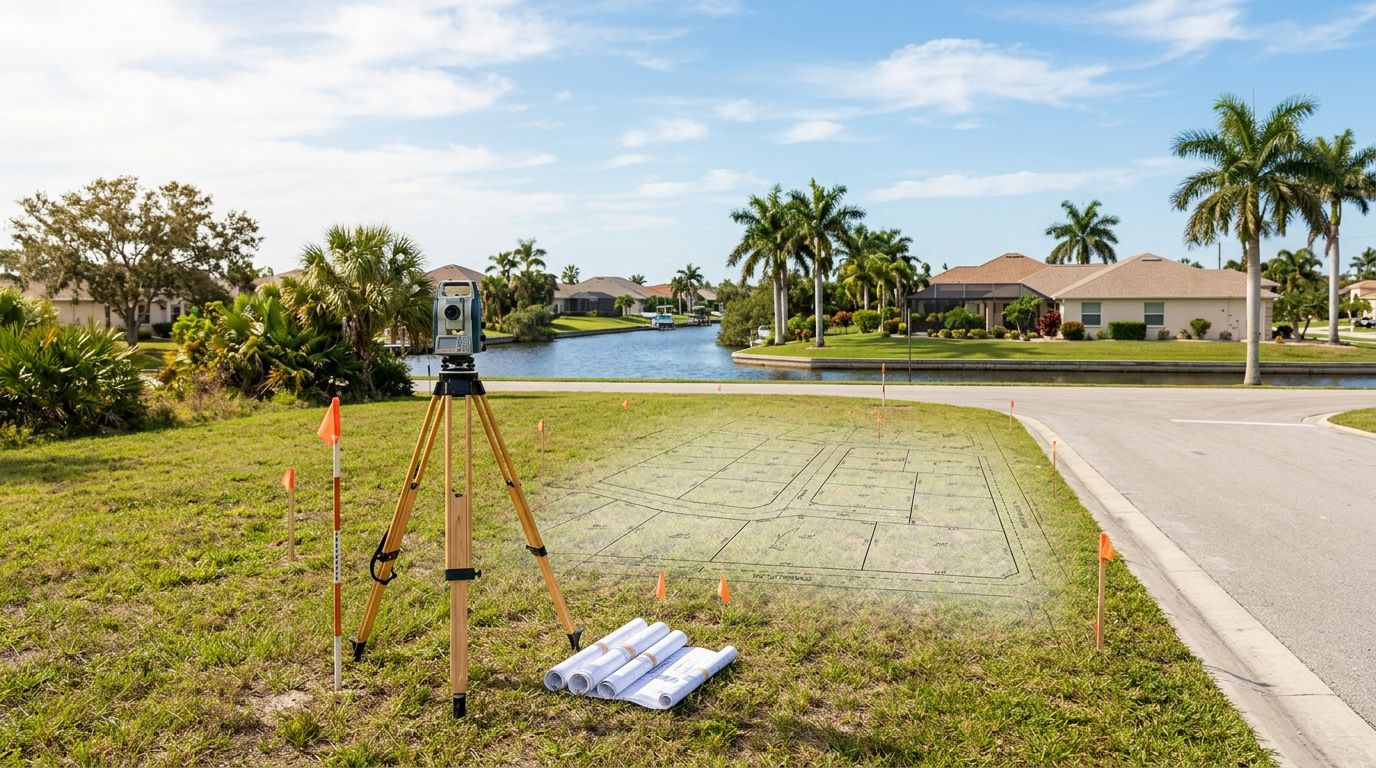
Before purchasing, compare the online information with the Cape Coral vacant lot checklist. Utility charges belong in the same budget as surveying, clearing, seawall work, permits, and site preparation.
How to Check Cape Coral Utility Assessments Online
Cape Coral provides two useful online tools for an initial property review: CapeIMS and the Property Checkbook. Each tool shows different information, so checking both gives you a clearer starting point.
1. Gather the correct property information
Start with the lot's street address and parcel identification number, often called the STRAP number. You can find this information in the listing, tax records, purchase documents, or title paperwork.
Use the STRAP number whenever possible. Addresses can be entered incorrectly, and nearby lots may have similar street numbers. A parcel number helps you check the exact property connected to the purchase contract.
2. Search the lot in CapeIMS
CapeIMS is the City's GIS-based assessment lookup tool. Search by address or parcel identifier, then open the property record or run the available report.
The tool provides a current snapshot of open balances. Depending on the property, the results may include:
- Special assessments connected to the UEP
- Utility balances
- Open code case fees
- Other city-related property charges
Review the description beside each amount. A line labeled as a special assessment is different from a utility account balance or a code enforcement fee.
3. Check the Property Checkbook
The City's Property Checkbook provides a broader view of city charges tied to a parcel. Enter the property address and review the displayed taxes, assessments, and fees.
This tool can help you spot charges that don't appear obvious in a basic listing. It also lets you compare the property's city charges with what similar services may cost in other Florida cities.
CapeIMS is usually the better first stop for UEP-related information. Property Checkbook is useful for reviewing the wider financial picture.
4. Save the results
Save a screenshot or print the report with the date of your search. Online balances can change after payments, billing updates, interest adjustments, or corrections.
Keep the saved record with the listing, purchase contract, title commitment, and seller disclosures. It gives your builder, real estate agent, and title company the same information to review.
5. Treat the online result as a starting point
CapeIMS can show an open balance, but it may not provide the formal payoff amount needed for a real estate closing. A payoff figure is usually tied to a specific date.
If the search returns no balance, confirm that you searched the correct parcel and ask Customer Billing Services to verify the result. A missing result shouldn't be treated as final proof that the property has no assessment.
Confirm the Assessment Applies to Your Exact Lot
Cape Coral has many platted neighborhoods, multi-lot parcels, corner lots, and properties that have changed through replatting or transfers. The record must match the legal parcel you plan to buy.
Compare the following details:
- Street address
- STRAP or parcel number
- Legal description
- Lot and block information
- Owner name shown in the record
- Property boundaries on the map
If the listing describes two lots but the assessment search shows one parcel, ask questions before signing. The assessment may apply differently after a lot split, combination, or legal boundary change.
Your title company can compare the assessment record with the title commitment. The closing agent can also identify recorded liens, tax-billed assessments, and other items that need resolution before closing.
A seller may say the assessment was paid, but you still need documentation. Ask for a paid receipt, closing statement, or official City confirmation. Verbal statements aren't enough when the amount could affect your land budget.
Request a Written Payoff From the City
When you're preparing to buy, request a written payoff statement for the exact parcel. Customer Billing Services can provide the most reliable figure for a closing date.
The City lists the Assessment and Impact Fee phone number as 239-242-3851 . General Customer Service is available at 239-574-7722 . The City also lists payoff@capecoral.gov for assessment-related payoff questions.
Customer Billing Services office hours are 7:30 a.m. to 4:30 p.m., Monday through Friday, excluding City holidays . In-person payment and questions are handled at City Hall, located at 1015 Cultural Park Blvd., Cape Coral, FL 33990 .
When you contact the City, provide the address and STRAP number. Ask for written answers to these questions:
- What is the current total assessment balance?
- What amount will pay the assessment in full?
- Through what date is the payoff figure valid?
- Does the property have an annual installment due?
- Has the current installment been paid?
- Are interest, administrative charges, or late fees included?
- Will the assessment remain with the property after closing?
The City FAQ states that special assessments can be paid by mail, online, or in person. For online payment, the listed path is "I want to" -> "Pay" -> "Tax Billed Assessments."
A payoff statement is date-sensitive. If closing gets delayed, request an updated figure rather than relying on an older document.
The number shown online today may not equal the amount required to release the assessment at next month's closing.
Separate Assessments From New Construction Costs
Paying off a utility assessment doesn't cover every cost involved in building a home. The assessment may relate to extending city water and sewer service, while the construction project may also require connection charges, impact fees, utility-related contributions, permits, and private site work.
A lot may have an unpaid UEP assessment and still need additional work before a home can connect. Your builder and the appropriate City department should review the utility area, service availability, connection requirements, and current fee schedule.
Electric service, driveway work, clearing, fill, drainage, landscaping, and seawall construction can also fall outside the assessment. Waterfront lots need a separate review for seawall condition and access to the building site.
Review current Cape Coral utility hookup costs while preparing your construction budget. The goal is to separate costs that belong to the land from costs that arise during home construction.
A useful budget should show at least four separate lines:
- Existing assessment balance or payoff
- Current and future city connection charges
- Building permits and impact fees
- Site work and private utility installation
This prevents you from counting the same charge twice or missing a fee that appears later in the permit process.
Use the Results Before You Make an Offer
Check the assessment before you decide what the lot is worth. If the seller expects you to take over the balance, calculate the payoff or annual installment alongside the purchase price.
For a cash purchase, you may prefer to negotiate a seller-paid payoff at closing. For a financed purchase, ask your lender and title company how the assessment affects closing costs, escrow, and future tax payments.
If the seller will pay the balance, put that agreement in the contract. The closing statement should show the correct payment and the title company should obtain updated confirmation before disbursing funds.
If you plan to build soon, give the assessment information to your home builder during the early pricing stage. A builder can use the confirmed utility status when reviewing plans, construction timing, and the total site budget. That review is especially useful when you are comparing several Cape Coral lots with different UEP histories.
Don't rely only on the listing, an old tax bill, or a prior owner's payoff receipt. Assessment balances, payoff figures, and installment status can change. Confirm all three directly with the appropriate City of Cape Coral department or your closing professional before making a purchase decision.
Confirm the Number Before You Buy
The safest way to check Cape Coral utility assessments is to search the exact parcel in CapeIMS, review the broader Property Checkbook record, and request a written payoff from Customer Billing Services.
Then separate the assessment from connection fees, impact fees, permits, and site work. A low land price only helps when the full cost of bringing the lot to construction is clear. Before you commit, make sure the number in your budget matches the City's current records and the closing documents.


Get a Free Estimate
Considering building a new home in Southwest Florida or remodeling your current home to make it your dream house? Contact us today to start the planning process.
Fill out the form or call (239) 565-9486